





Fewer shoppers stop at “which size?”
A clear size on the product page removes one of the most common reasons to hesitate before adding to cart.
Track it: Size → add to cart · Size → purchaseGive shoppers clearer product-specific sizing information, from measurements and size charts to category-specific size guidance and recommendations.
A ring size, a frame width and a dress size have nothing in common. AI Frame asks each shopper for the measurement that matters for that product, and nothing more. Open a category to see the real steps.
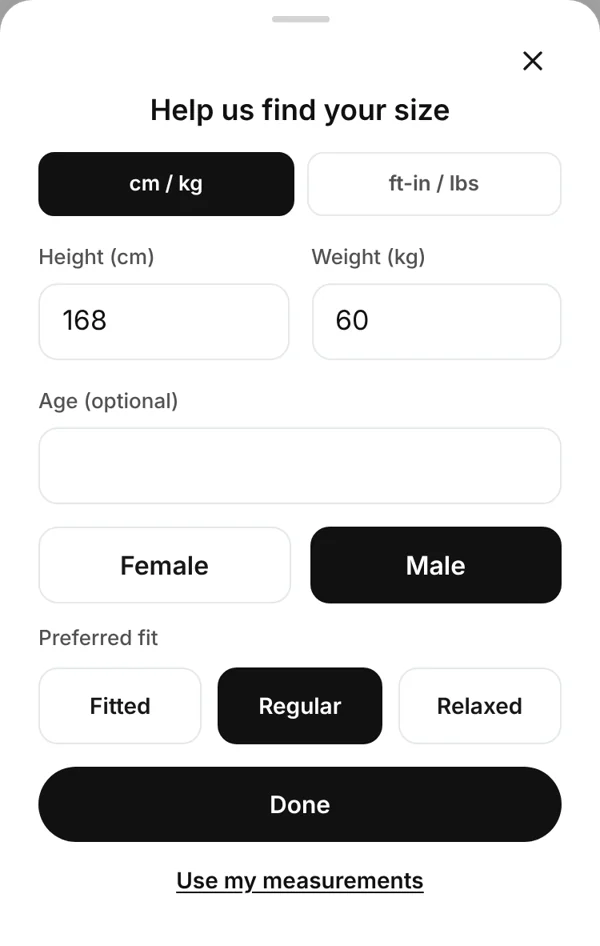
Shoppers enter their height and weight, matched to your Size Chart.
Virtual Try-On shows the piece on their own photo.
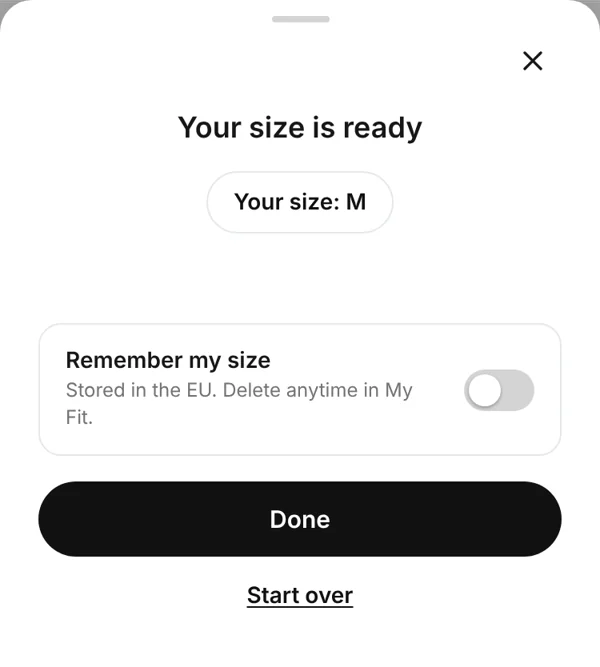
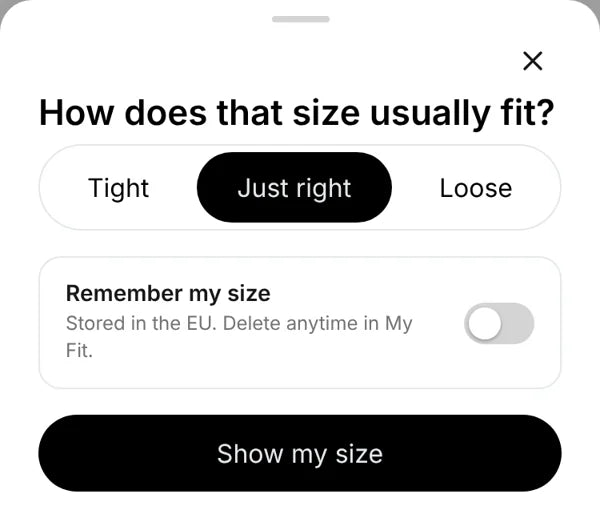
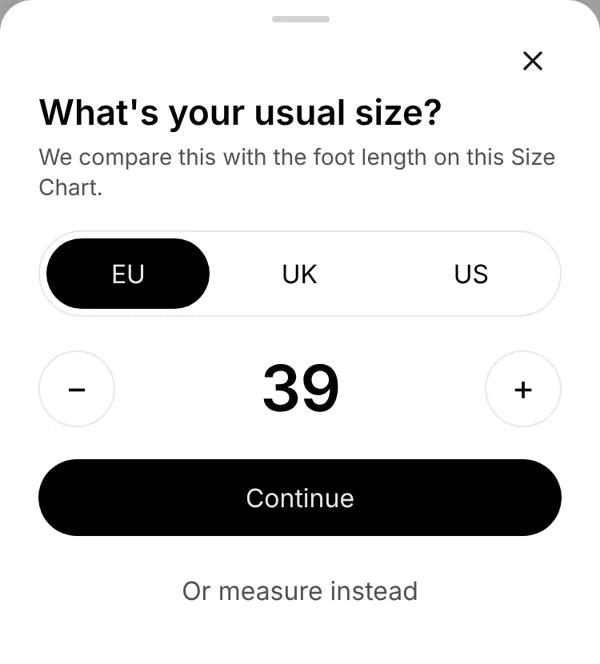
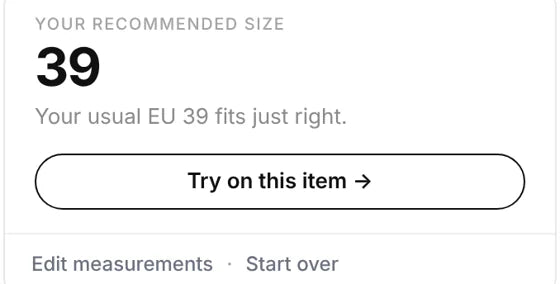
Shoppers give the size they usually wear in EU, UK or US, or measure their foot, and say how it usually fits. Matched to the foot lengths on your Size Chart.
Virtual Try-On shows the shoes on their own photo.
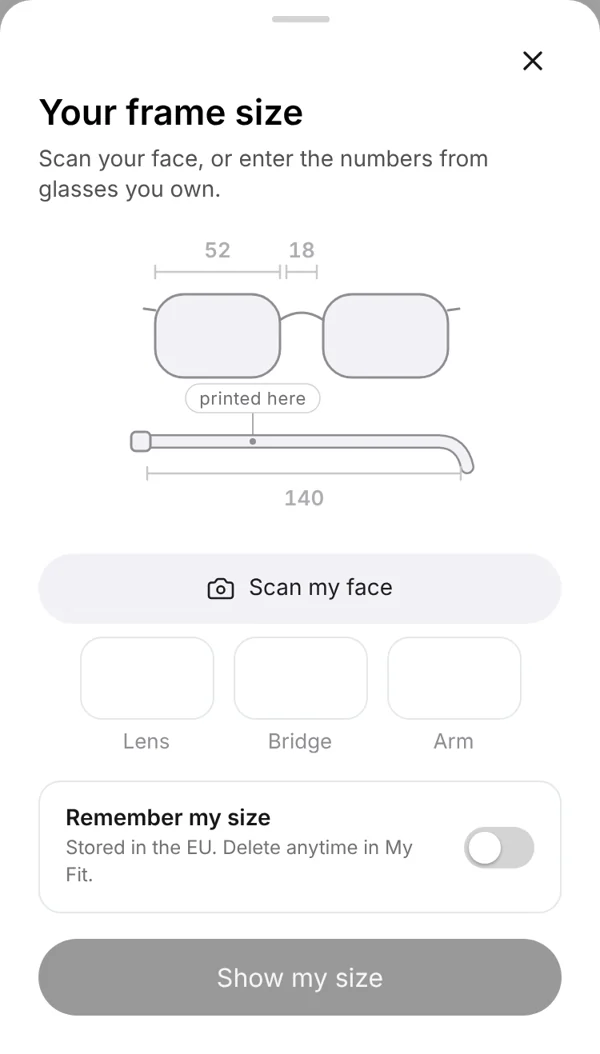
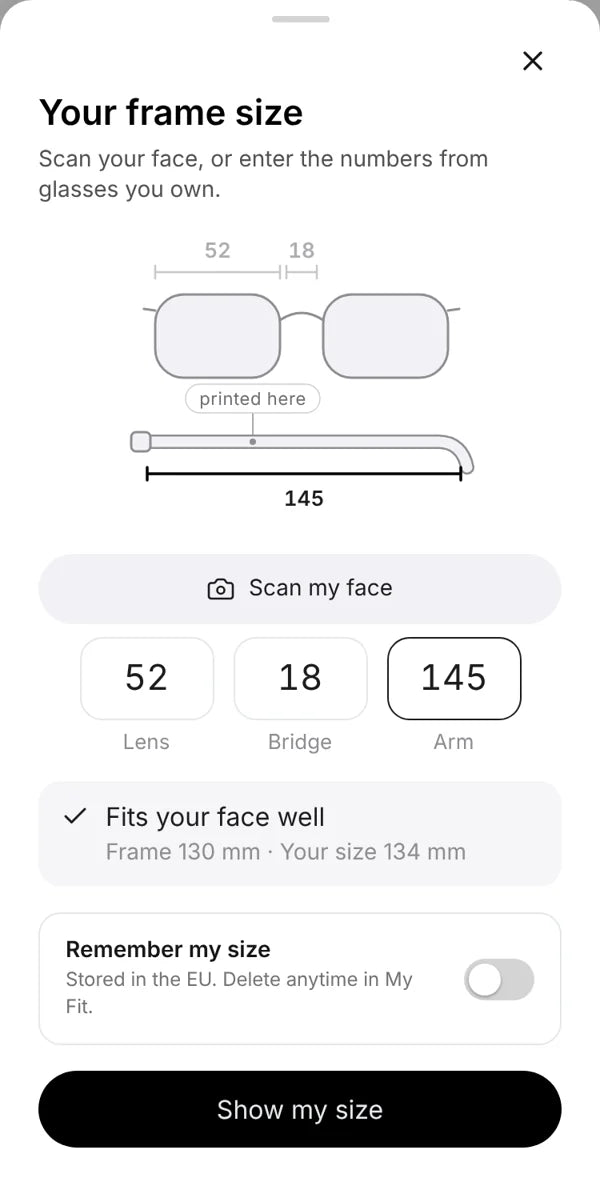
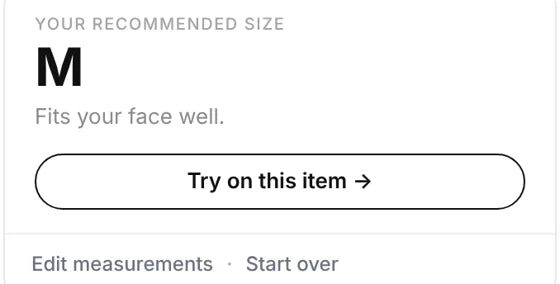
Shoppers scan their face, or type the three numbers printed inside a pair they own, and see how this frame fits.
Virtual Try-On shows the frames on their own face.
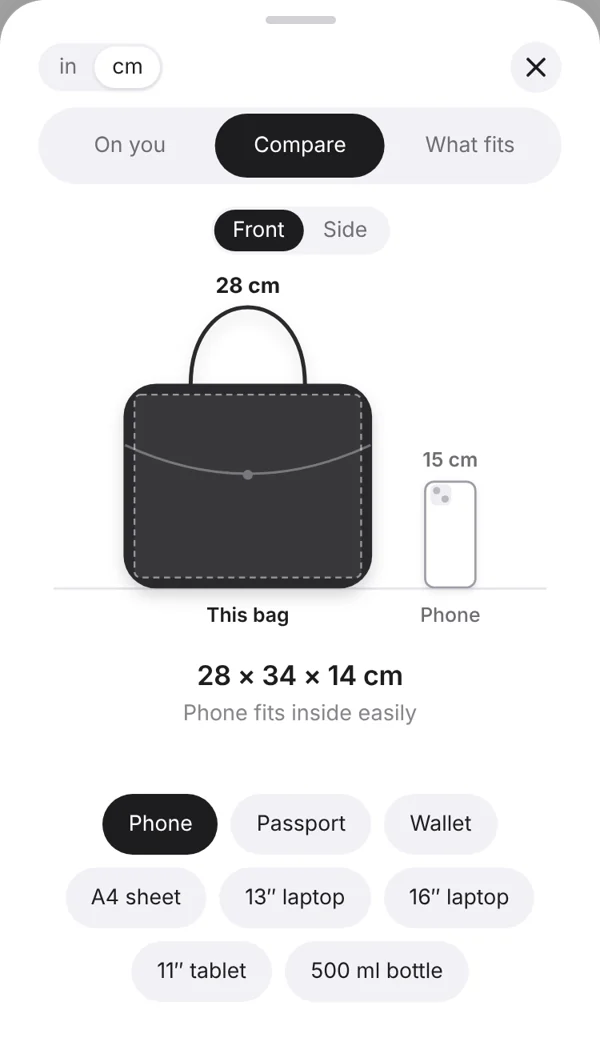
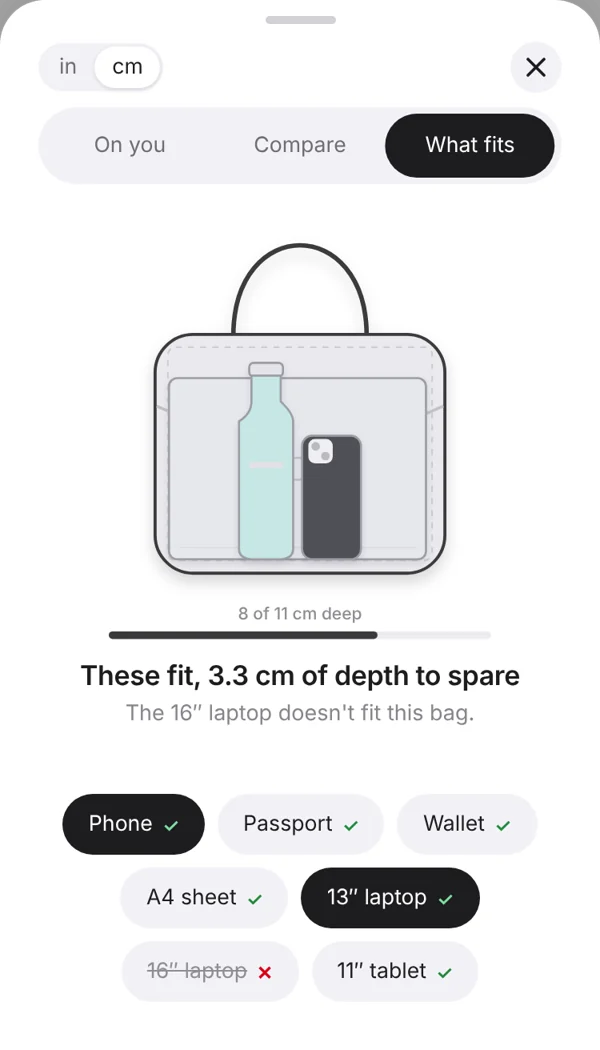
Shoppers see the bag to scale next to their own height and everyday objects, check what fits inside, and compare luggage with airline cabin limits.
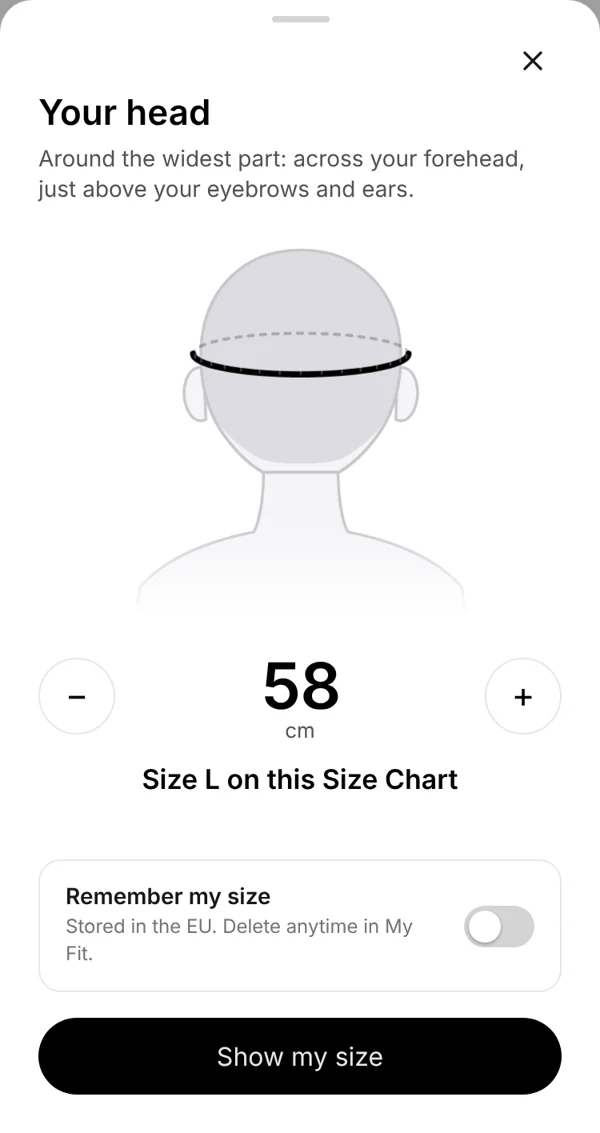
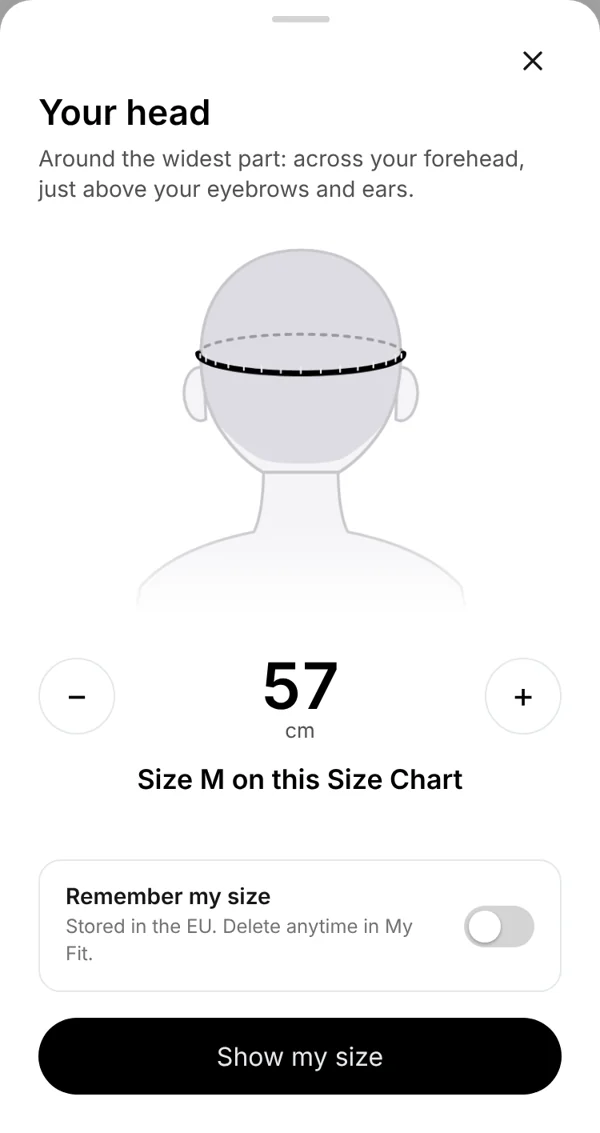
Shoppers match the size around their head and see their size on your Size Chart.
Virtual Try-On shows the hat on their own photo.
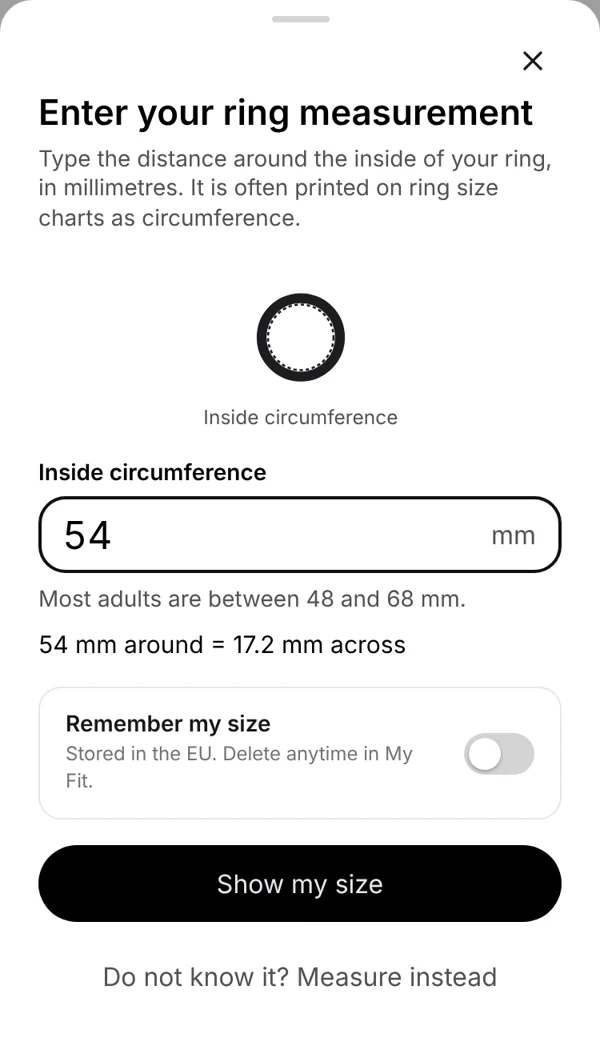
Shoppers enter a size they know, use a ring they own, measure with the camera, or measure their finger.
Virtual Try-On shows the ring on their own photo.
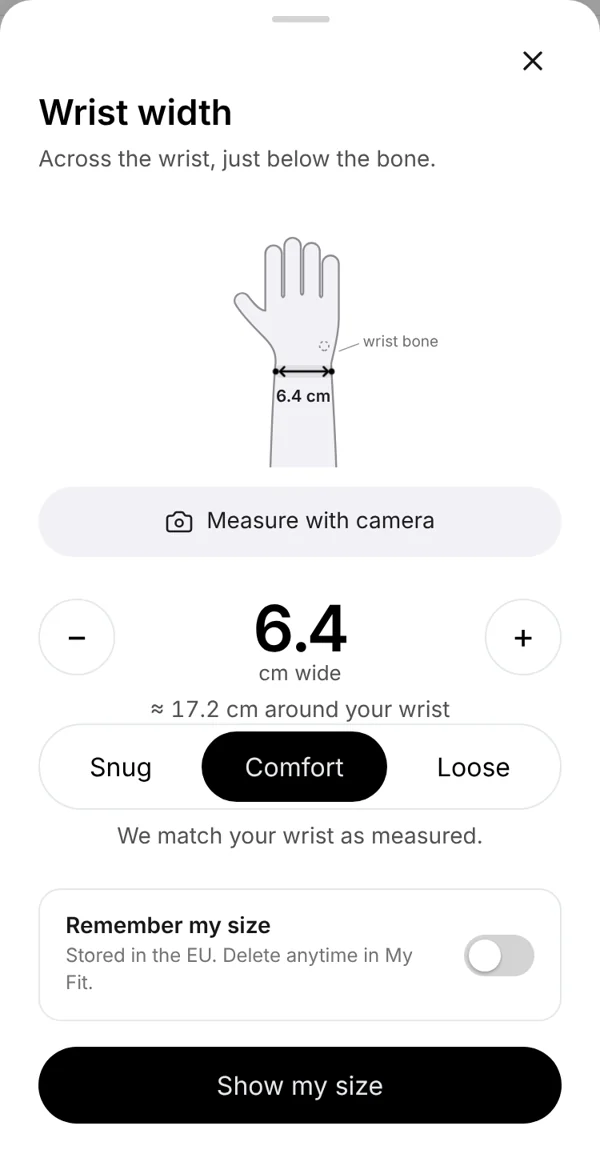
Shoppers measure their wrist, or use the camera, choose snug, comfort or loose, and get the matching size.
Virtual Try-On shows it on their own photo.
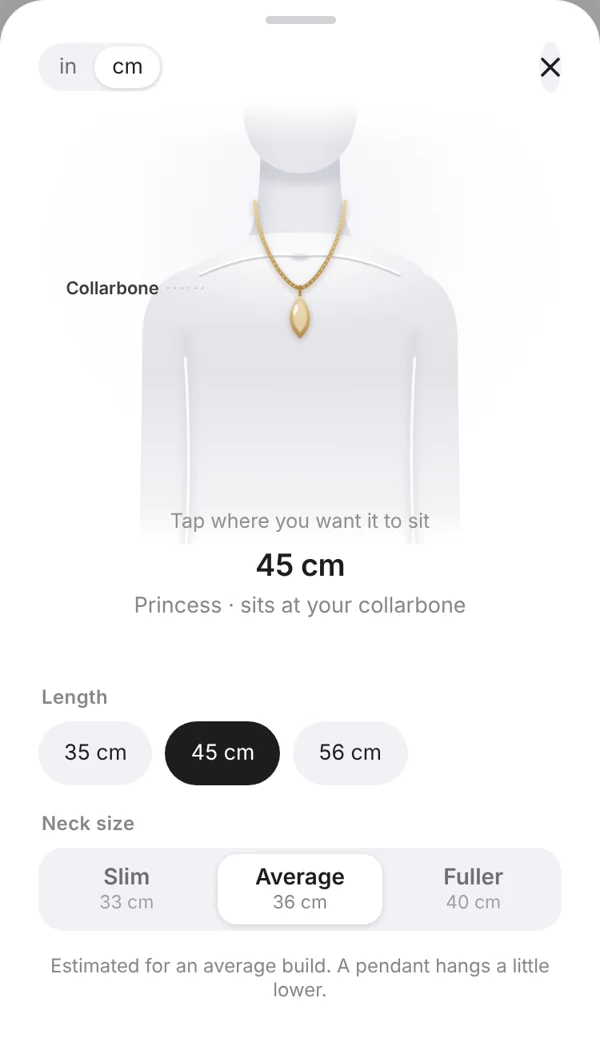
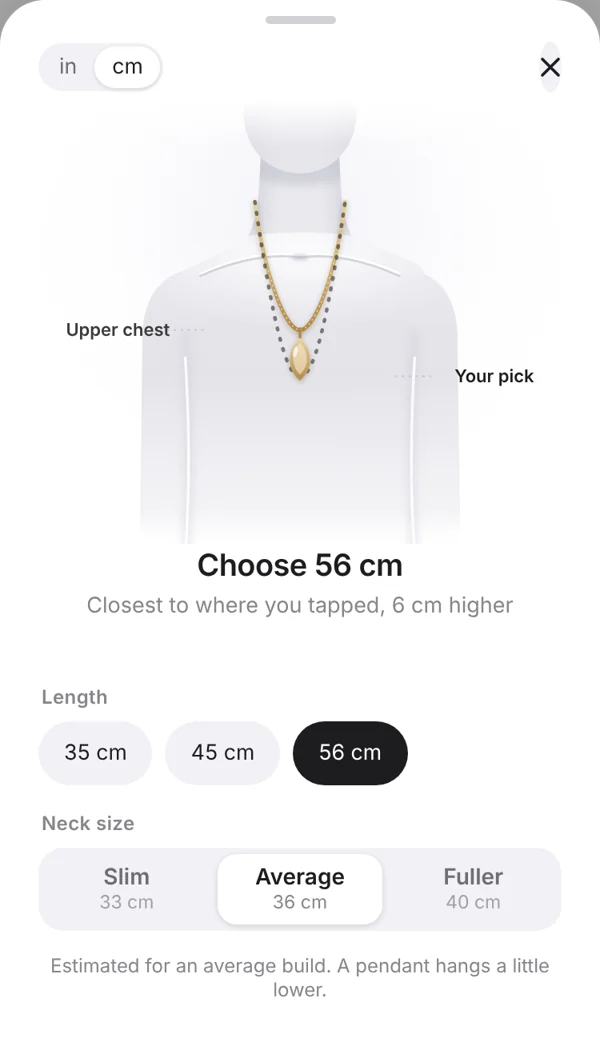
The chain is drawn at its real length from your Size Chart or the variant. Shoppers tap where they want it to sit.
They see exactly where each length falls.
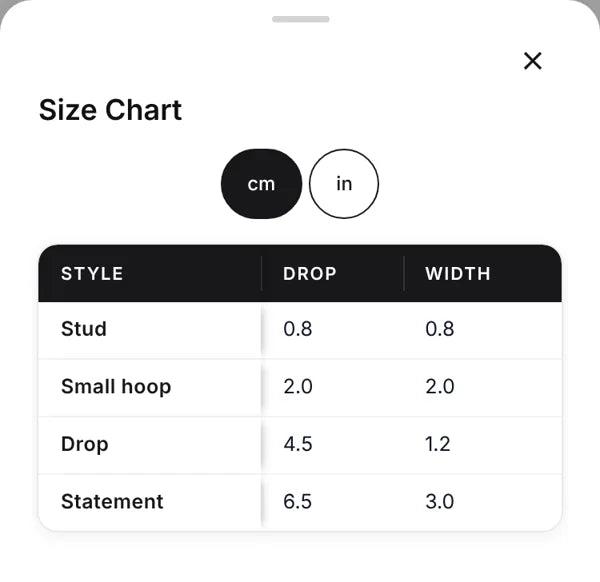
Drop and width come from your Size Chart.
Virtual Try-On shows the earrings on their own photo.
Sizing helps at the moments that cost you sales and margin. We don’t promise numbers. Your Impact Dashboard shows the real ones for your store, and a holdout test lets you measure the difference yourself.
A clear size on the product page removes one of the most common reasons to hesitate before adding to cart.
Track it: Size → add to cart · Size → purchaseShoppers who know their size have less reason to buy two and send one back. Size returns are tracked per Size Chart, so you see which chart needs a fix.
Track it: Returned for size · Learning from size returnsShoppers get their answer before it turns into an email or a chat to your team.
Shoppers open the Size Chart, find their size and choose with more confidence.
Track it: Size Chart opens · Shoppers who got a sizeA saved Fit Profile shows returning shoppers their size on every product, here and on their next visit.
For feet, faces, rings and wrists, shoppers can measure with their camera instead of a tape. The image never leaves their device, and they can always type a number instead.
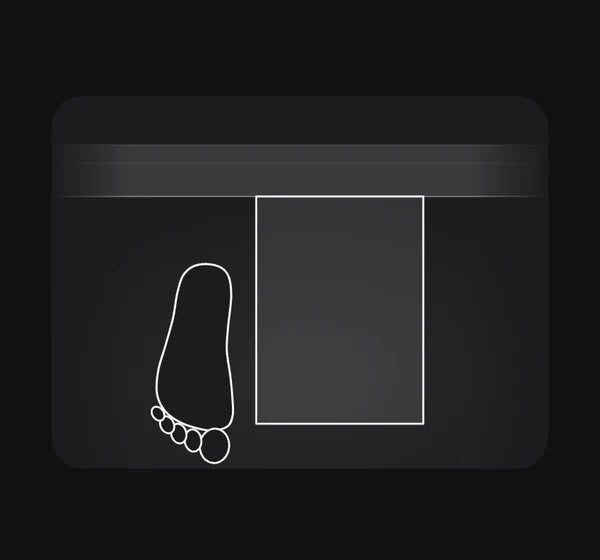
A sheet of A4 or Letter paper on the floor, against a wall. One photo from above gives the foot length.

A quick face scan sets the face width, to compare with the frame.

A ring they own on a sheet of paper. One photo from above, then they match the circle to its inside edge.
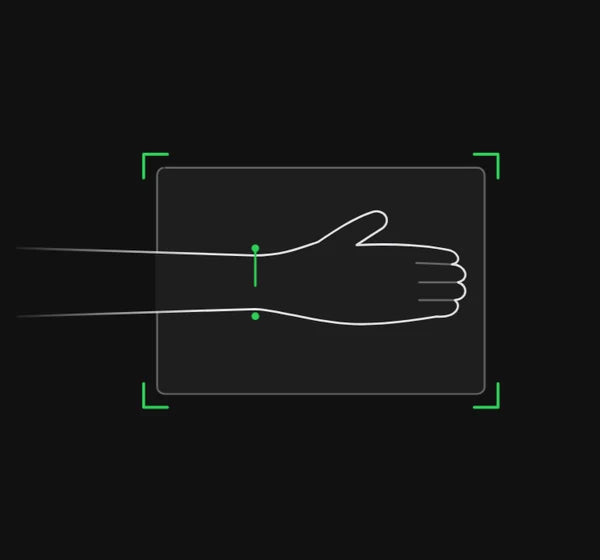
An open hand on a sheet of paper. They place a point on each side of the wrist.
Bring your charts in, or start fresh. Every recommendation uses them.
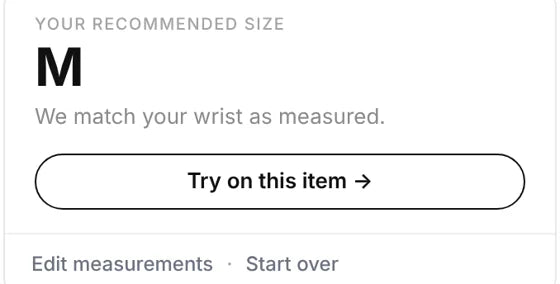
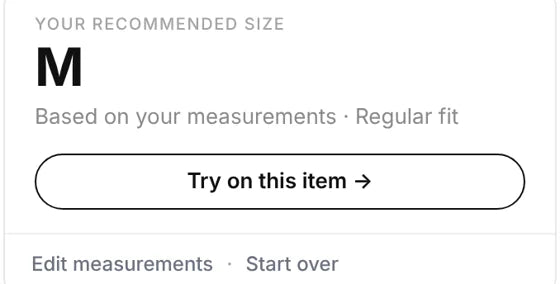
Shoppers answer a few quick questions. AI Frame matches them to your Size Chart and shows their size where they choose, next to Try on this item.
No. Make one Size Chart and assign it to products, collections, tags, a vendor or your whole store.
Yes. Use Import from photo, or import charts already on your store, from a CSV or from a PDF. Imports arrive as drafts you review first.
You choose centimetres only, or both centimetres and inches. With both, shoppers can switch on the product page.
No. It uses your Size Chart and what the shopper tells us, to help them choose. How a product fits also depends on its cut and fabric.
Yes. The measuring runs on the shopper’s own device, and the image never leaves it. Shoppers can always type a measurement instead.
If a shopper saves their Fit Profile, it is stored in the EU, never shared with the store or used to train AI, and they can delete it anytime.