


Appearance
Virtual Try-On
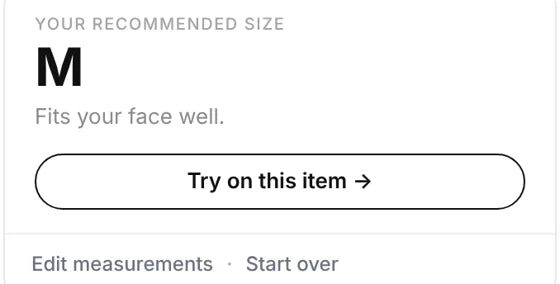
The product on the shopper’s own photo, so they can see how it may look on them.
Used for: Clothing, footwear, eyewear, hats, rings, bracelets and watches, necklaces, earringsHelp shoppers understand product scale, proportions, placement and appearance through the visual experiences supported for each category.

Not every product needs the same picture. A sweater needs to be seen on the shopper. A bag needs to be seen at its real size. A necklace needs to show where it falls. AI Frame uses the method that answers each product’s question.
The product on the shopper’s own photo, so they can see how it may look on them.
Used for: Clothing, footwear, eyewear, hats, rings, bracelets and watches, necklaces, earrings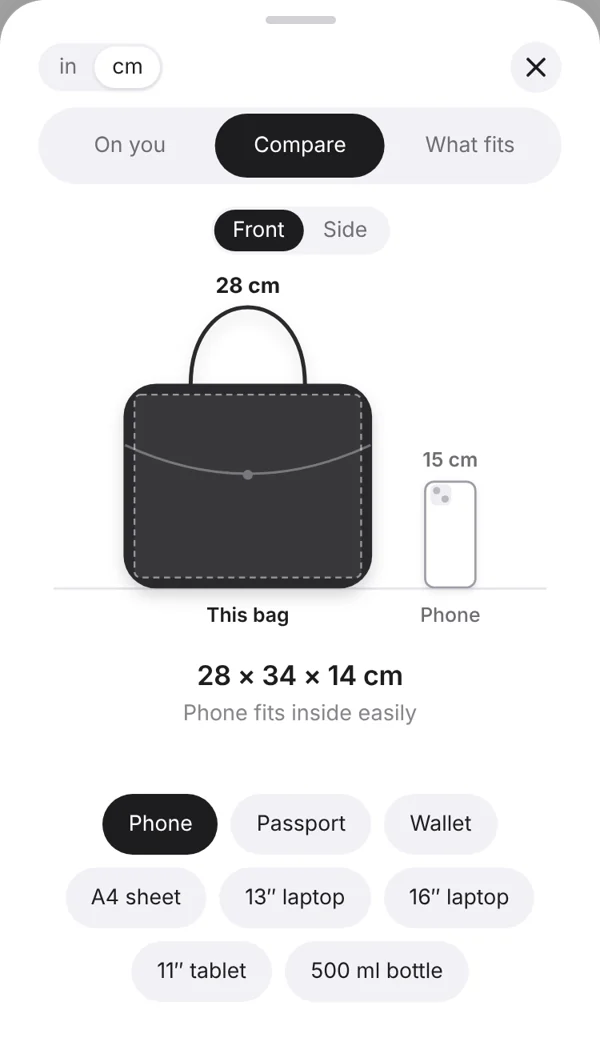
The bag at real size on a figure of the shopper’s height, next to a phone, a passport or a laptop, and what fits inside.
Used for: Bags and luggage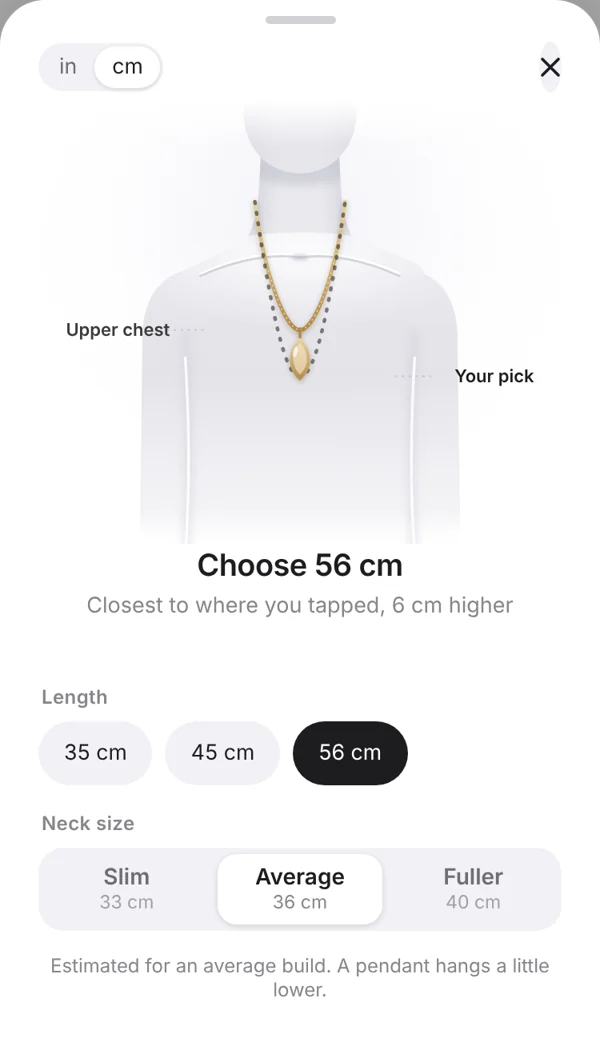
The chain drawn on a figure at its real length. Shoppers tap where they want it, and see the length that sits there.
Used for: NecklacesEach experience is built for an outcome. We show you the usage, and you can measure the impact yourself. We don’t promise numbers.
Shoppers who can see a product on themselves, or at its real size, have fewer open questions before adding to cart. Add to cart works straight from the try-on result.
Try-ons made · Try-on → add to cart · Try-on → purchase
The outfit builder lets shoppers add pieces from their try-on results, try the whole outfit and add it to cart together.
Influenced revenue
Seeing how it looks, how big it is and where it sits answers questions that can otherwise lead to ordering two versions and sending one back.
Return / refund rate
“How big is it?” and “Where does it sit?” get answered on the product page, before they become an email to your team.
Your own support inbox, not AI Frame
Shoppers spend time with the product and decide with more confidence.
Try-ons made · Try-on finished
Shoppers who agree keep their photo for faster try-ons, so the next visit starts where they left off.
Not measured yet
Try-ons and attributed orders show how shoppers use AI Frame, not that it caused a sale. To measure the real difference, run a holdout test in your Impact Dashboard. A share of shoppers doesn’t see AI Frame, and the dashboard compares how both groups convert.
Some features, such as the outfit builder and the full Impact Dashboard, depend on your plan.
Each category gets the visual experience that fits it. Not every category uses the shopper’s photo.

The piece on the shopper’s own photo.
Virtual Try-On
The shoes on the shopper’s own photo, as an appearance preview.
Virtual Try-On
The frames on the shopper’s own face, to judge proportions.
Virtual Try-On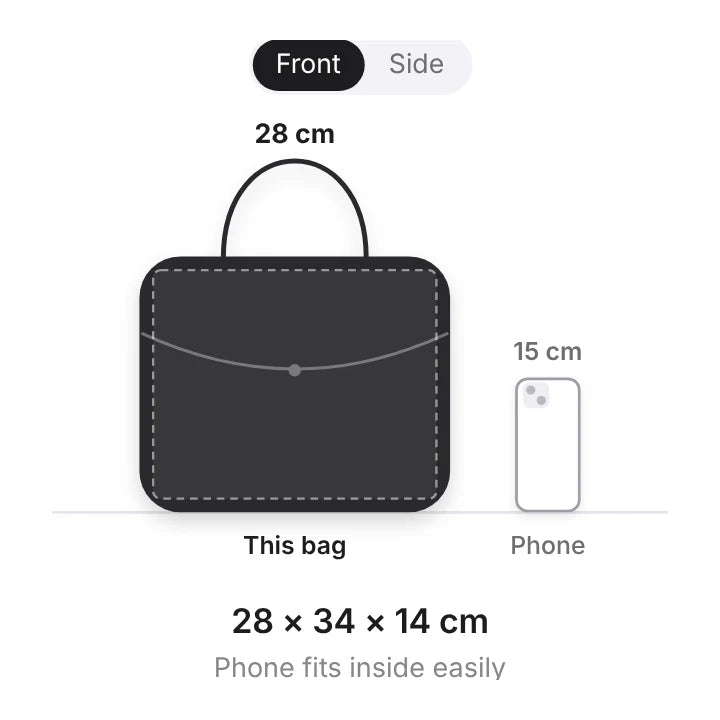
The bag at real size on a figure of their height, and next to everyday objects.
Scale
The hat on the shopper’s own photo.
Virtual Try-On
The ring on the shopper’s own hand, to see its proportions.
Virtual Try-On
How it sits on the shopper’s wrist.
Virtual Try-On
Where the chain falls, drawn at its real length, and on the shopper’s photo.
Placement · Virtual Try-On
How big the earrings look when worn.
Virtual Try-OnRight from the product page, in three steps.
Right under their recommended size, on the product page.
One photo of themselves. If they agree, it is saved for faster try-ons next time.
And add it to cart straight from the result, or build an outfit with more pieces.
Virtual Try-On shows how a product may look on the shopper. It does not measure them and is not a fit guarantee.
Each experience runs on information you already have.
Your existing product images. No new photoshoot.
Height, width and depth on the product’s Size Chart. The bags template has the columns ready.
The chain length on the Size Chart or in the variant, with extender ranges. Without a length, the screen is not shown.
No. It shows how a product may look on the shopper. The try-on photo is never measured. The size comes from Product Sizing.
Virtual Try-On: clothing, footwear, eyewear, hats and headwear, rings, bracelets and watches, necklaces and earrings. Scale: bags and luggage, shown at real size on a figure and next to everyday objects. Placement: necklaces, with the chain drawn at its real length.
It is only stored if the shopper agrees, in the EU, for faster try-ons next time. It is never shared with the store or used to train AI, and the shopper can delete it anytime under My Fit.
Yes. They can minimise the widget and keep shopping while the try-on image is made.